Overview
PolyGo was an individual project, completed as part of the ‘Advanced Industrial Design’ module, part of the Design Engineering (MEng) course at Imperial College London.
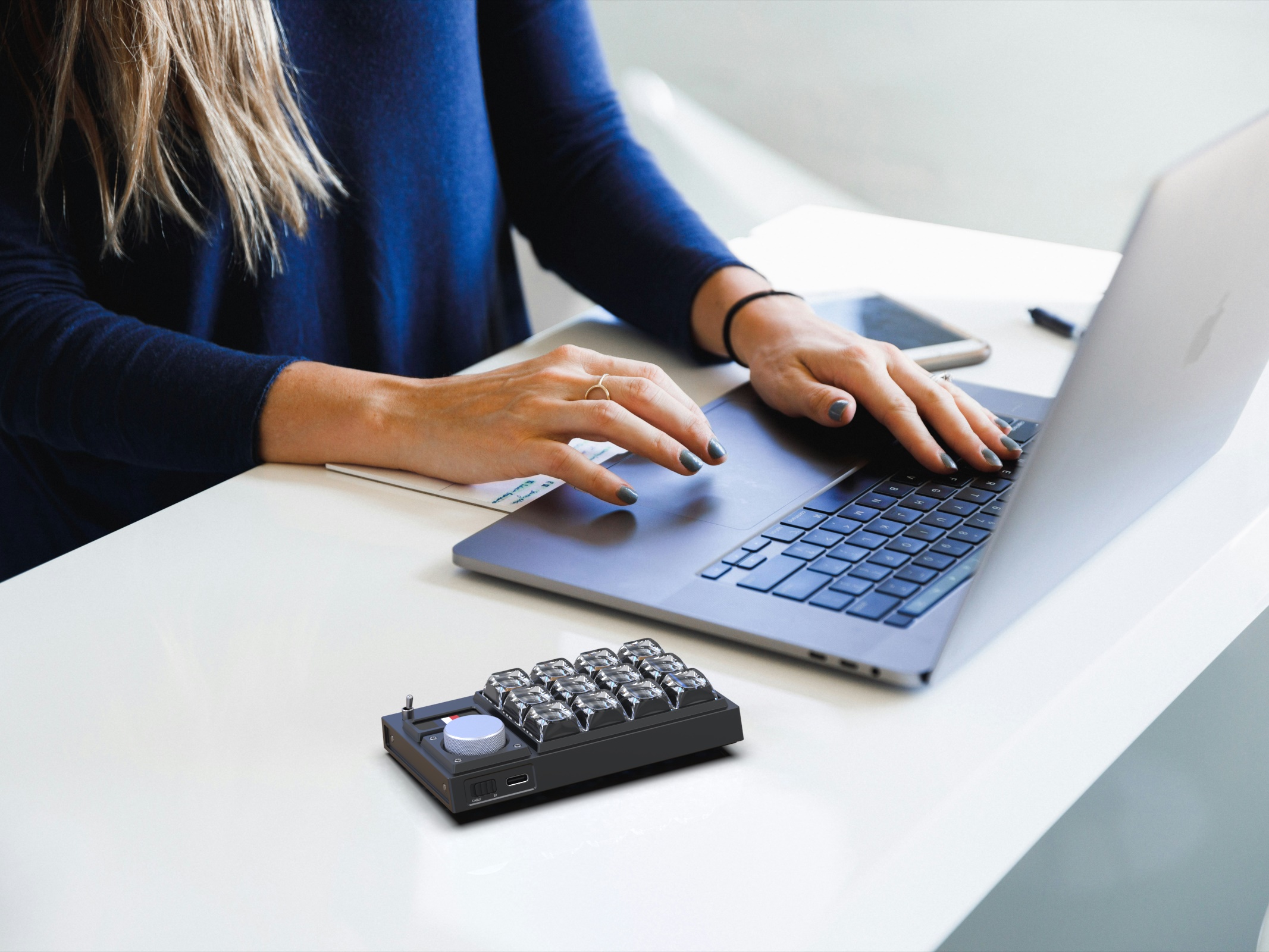
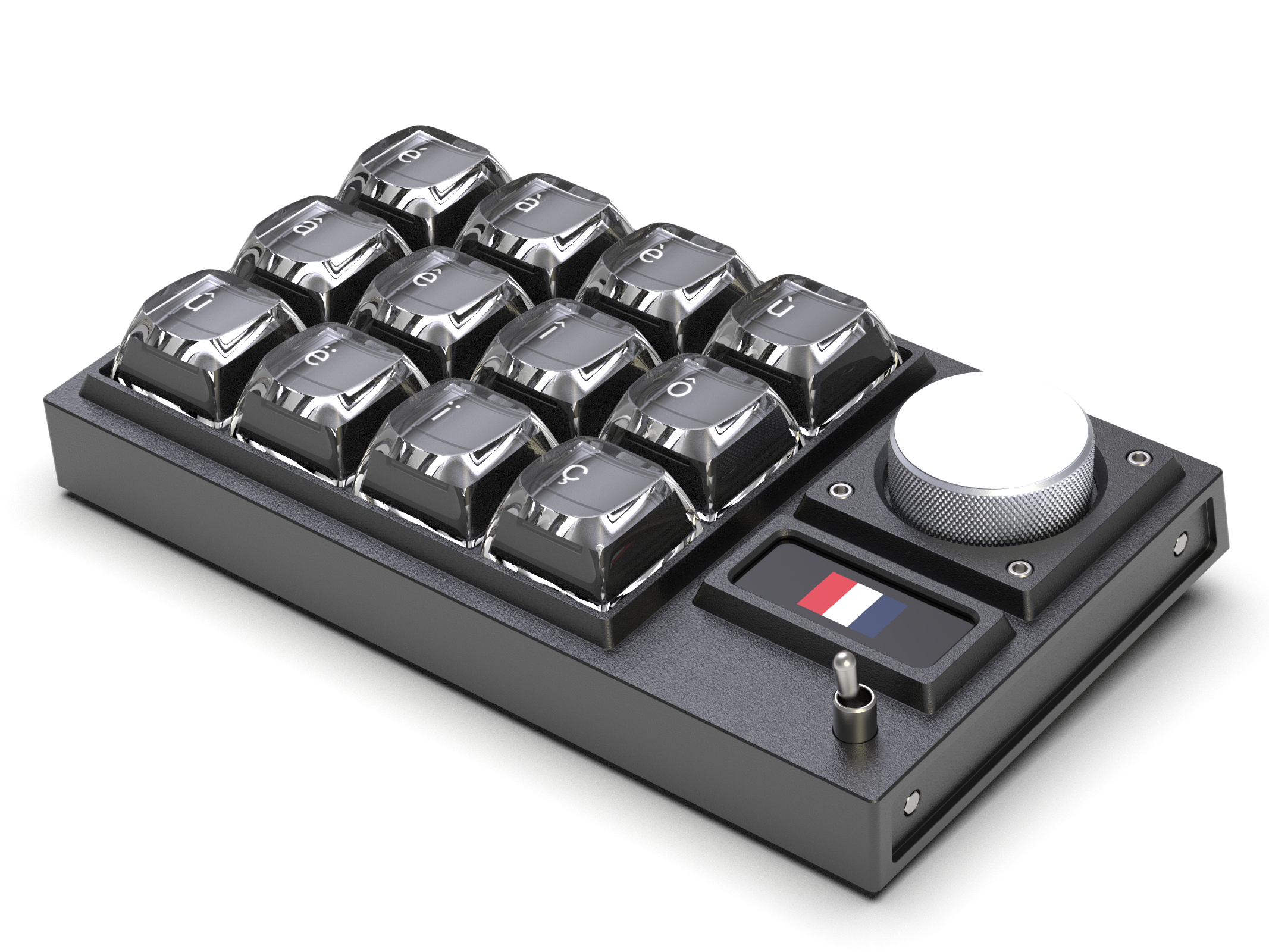
PolyGo is a portable multi-language mechanical keyboard designed for polyglots on the go.
PolyGo is an accessory to the user’s existing keyboard whether on a PC or a laptop, intended for languages where the user only requires a few additional characters to type fluently. PolyGo allows the user to switch between different languages: Small OLED displays embedded in each keycap enable each key to change the letter being displayed. It it portable, and be connected via Bluetooth or USB Type-C.
 PolyGo / Hero image
Key features
Overview
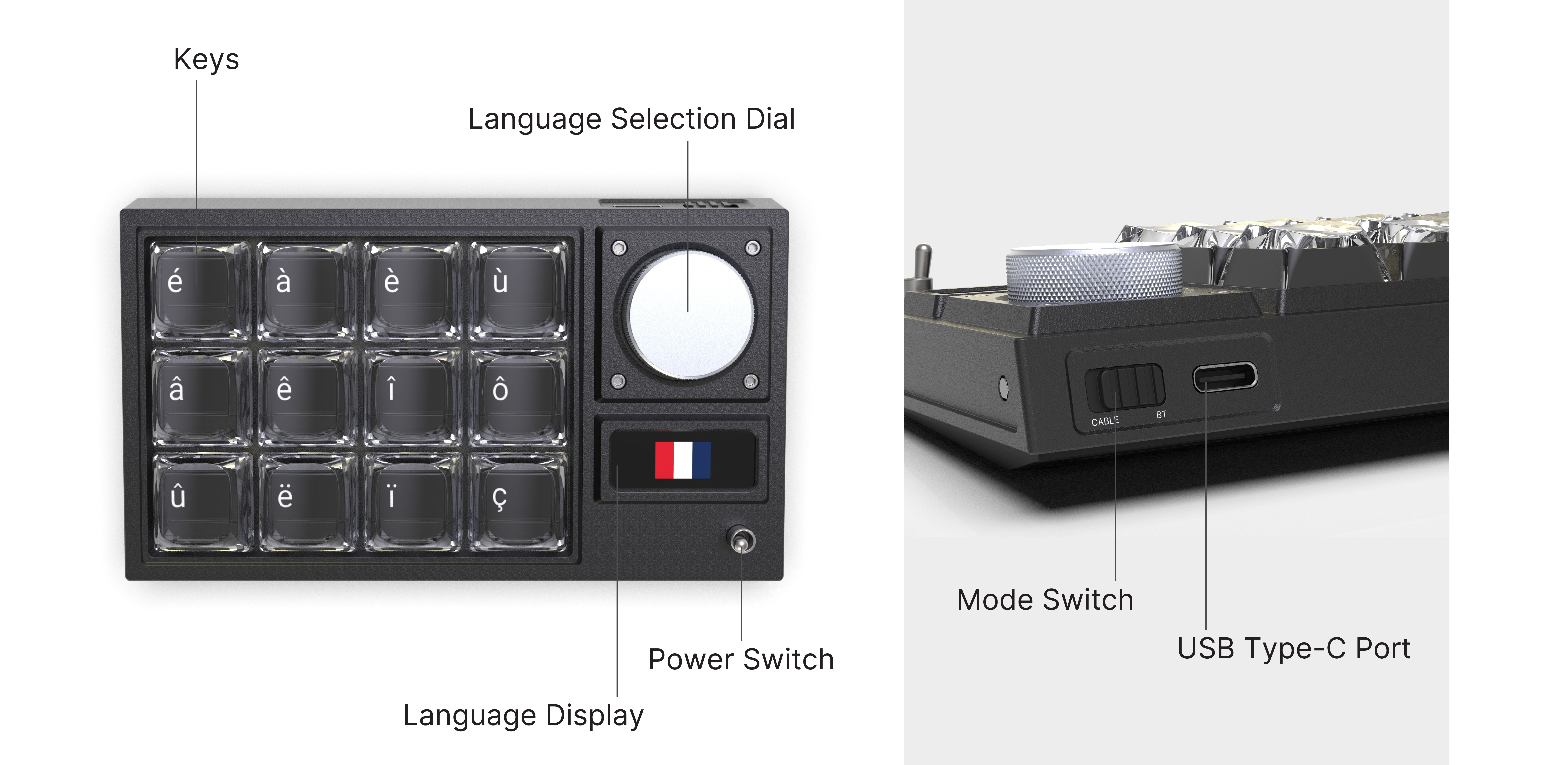
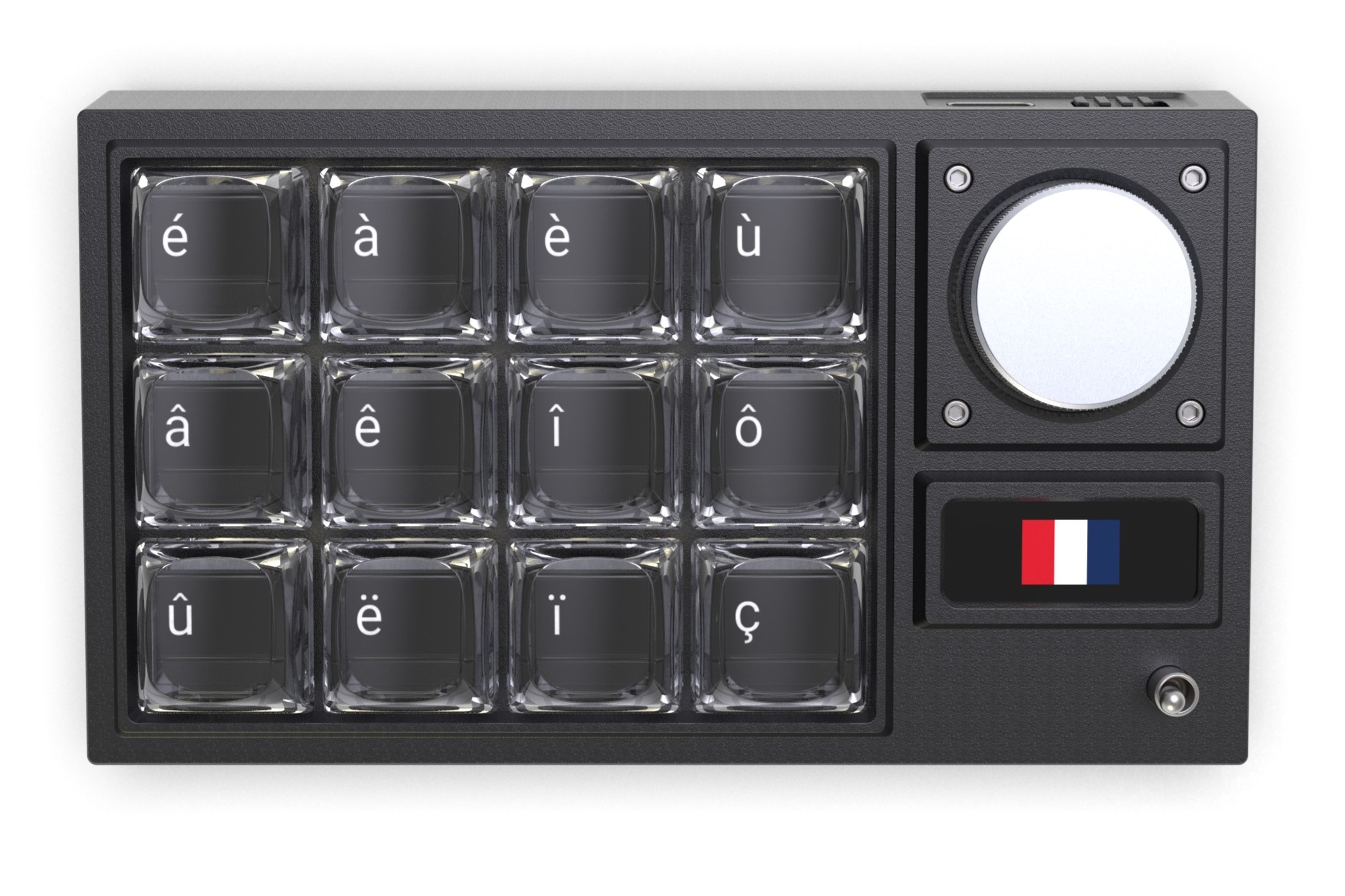
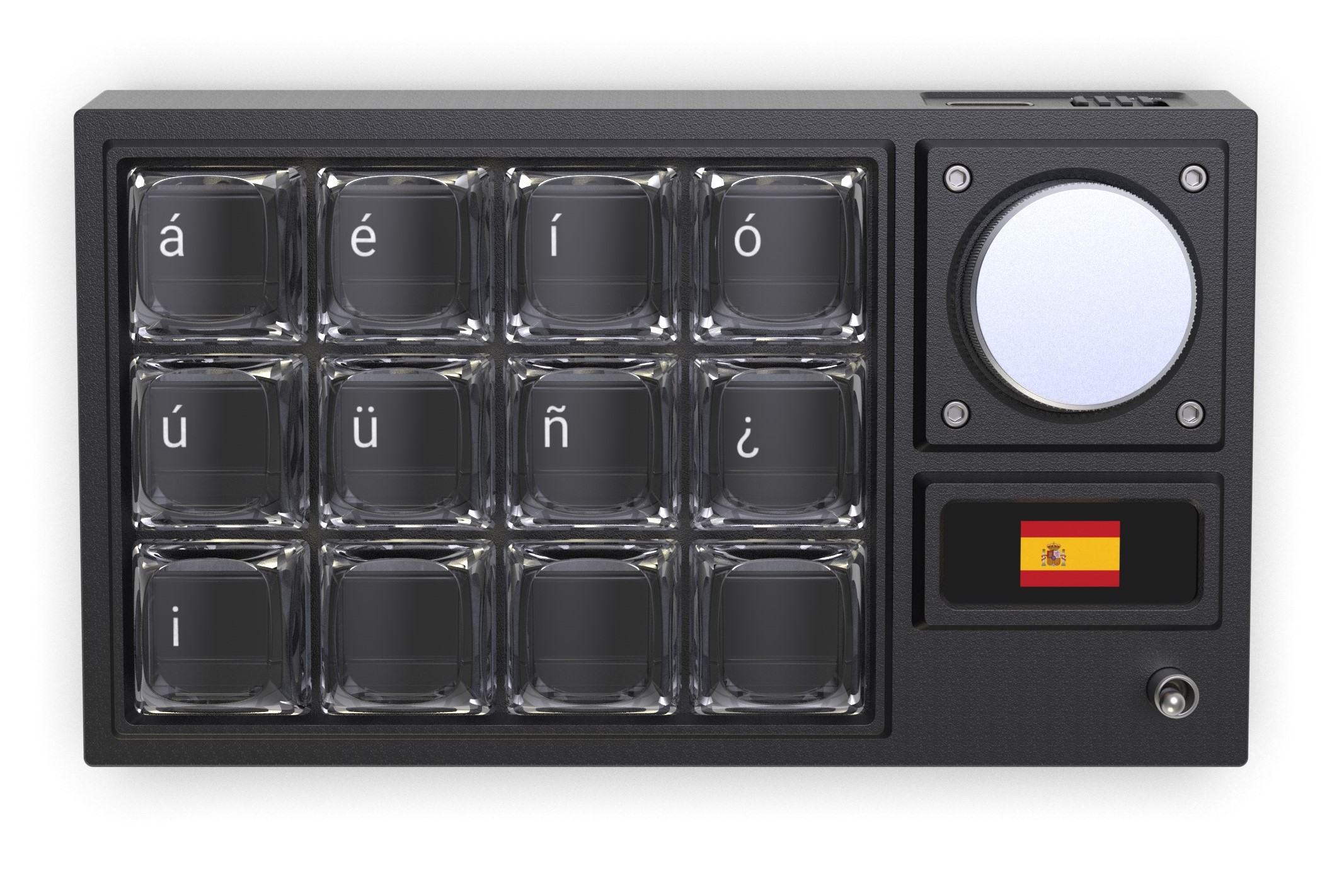
Keys: The Keys on PolyGo have an embedded OLED screen which displays the character, and a durable transparent plastic keycap.
Language selection dial: Users switch between languages by turning the dial, and pressing it down to confirm their selection. Languages are pre-loaded onto PolyGo via accompanying software.
Language display: This OLED panel, protected from impact by the casing, displays the flag of the language active. The information show is intentionally minimal to maintain the analogue design.
Power switch: This switch turns the keyboard on/off, to prevent battery drain.
Mode switch: This switch toggles PolyGo between wired and wireless (Bluetooth 5.0) mode.
USB Type-C port: The port is used to connect PolyGo to a laptop/PC for regular use, and charging the battery for wireless use.
 PolyGo / Overview of key features
Language switching
When using PolyGo, switching between languages is simple and instant. Users can turn the language selection dial to see what languages are currently loaded, as they turn the dial the flag on the language display changes to show what they are on. A new language is selected by pressing down on the dial, this then updates the OLED displays on each key.
Key subassembly
Each 0.42 inch OLED display is held securely in the key-stem, a new part with is attached to the clear ABS keycaps from above and the keyswitch from below. It features a channel to allow through the OLED ribbon cable, ensuring it does not get caught. This helps make PolyGo durable.
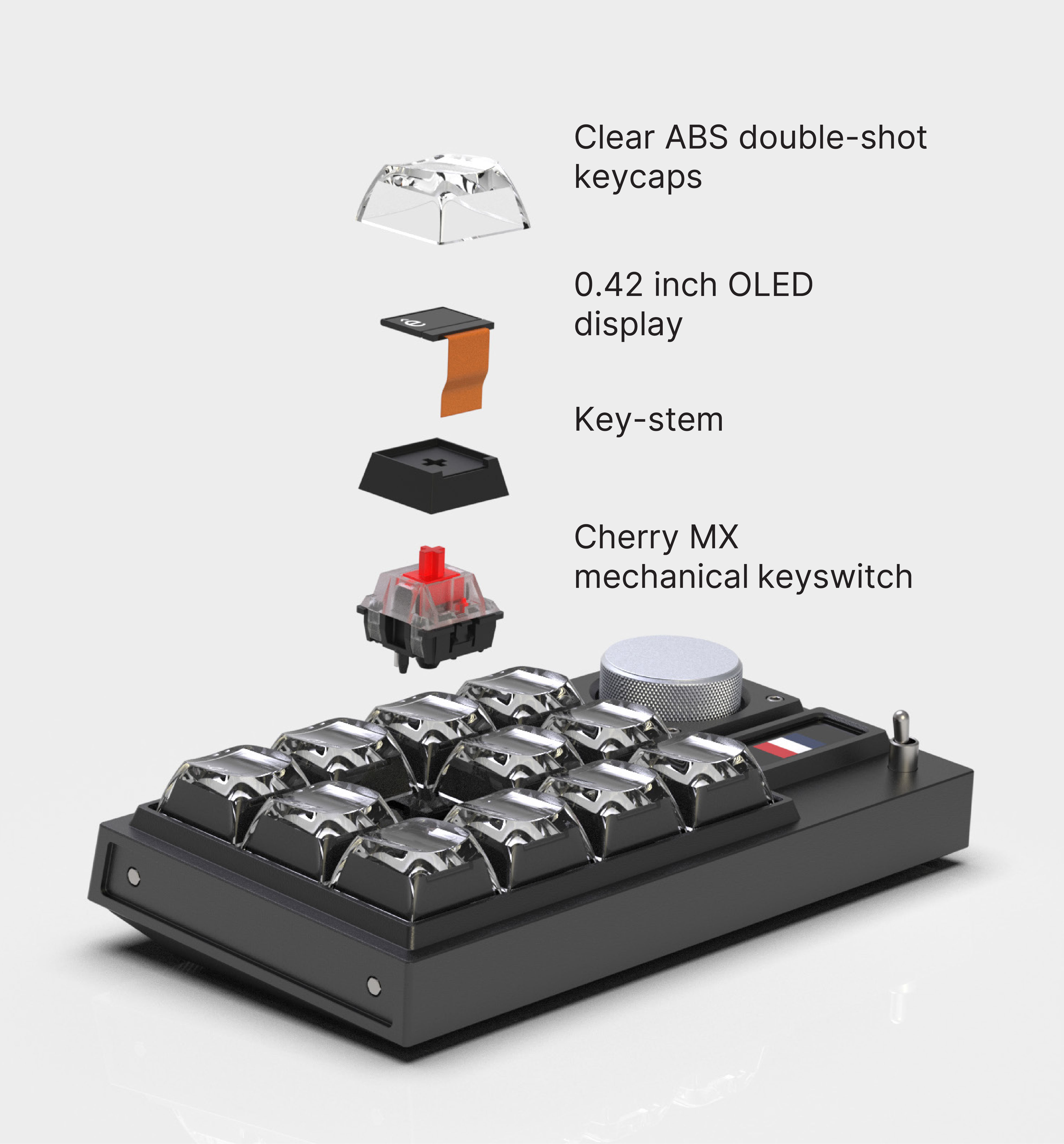 PolyGo / Exploded view
Underside grip
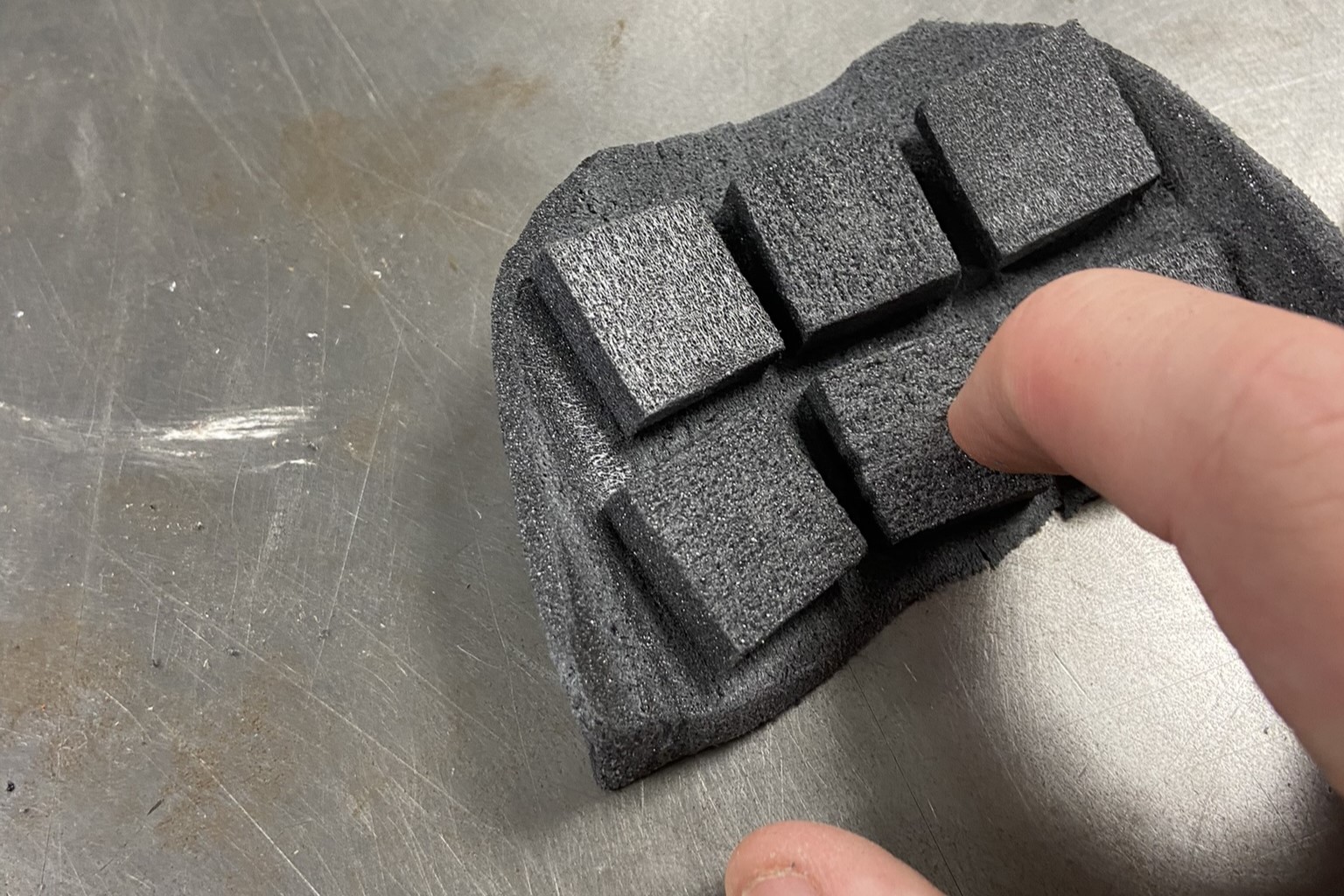
In order to meet its design objective of being portable, PolyGo must maintain grip on most surfaces. To achieve this, PolyGo features a rubber underside with a perforation texture. This pattern provides additional grip over plain rubber.
The pattern was created using a perforation texture map in the Keyshot material graph view. Black to white to black gradients where applied along the x and y axes and composed with the texture map, smoothing out the edges of the pattern.
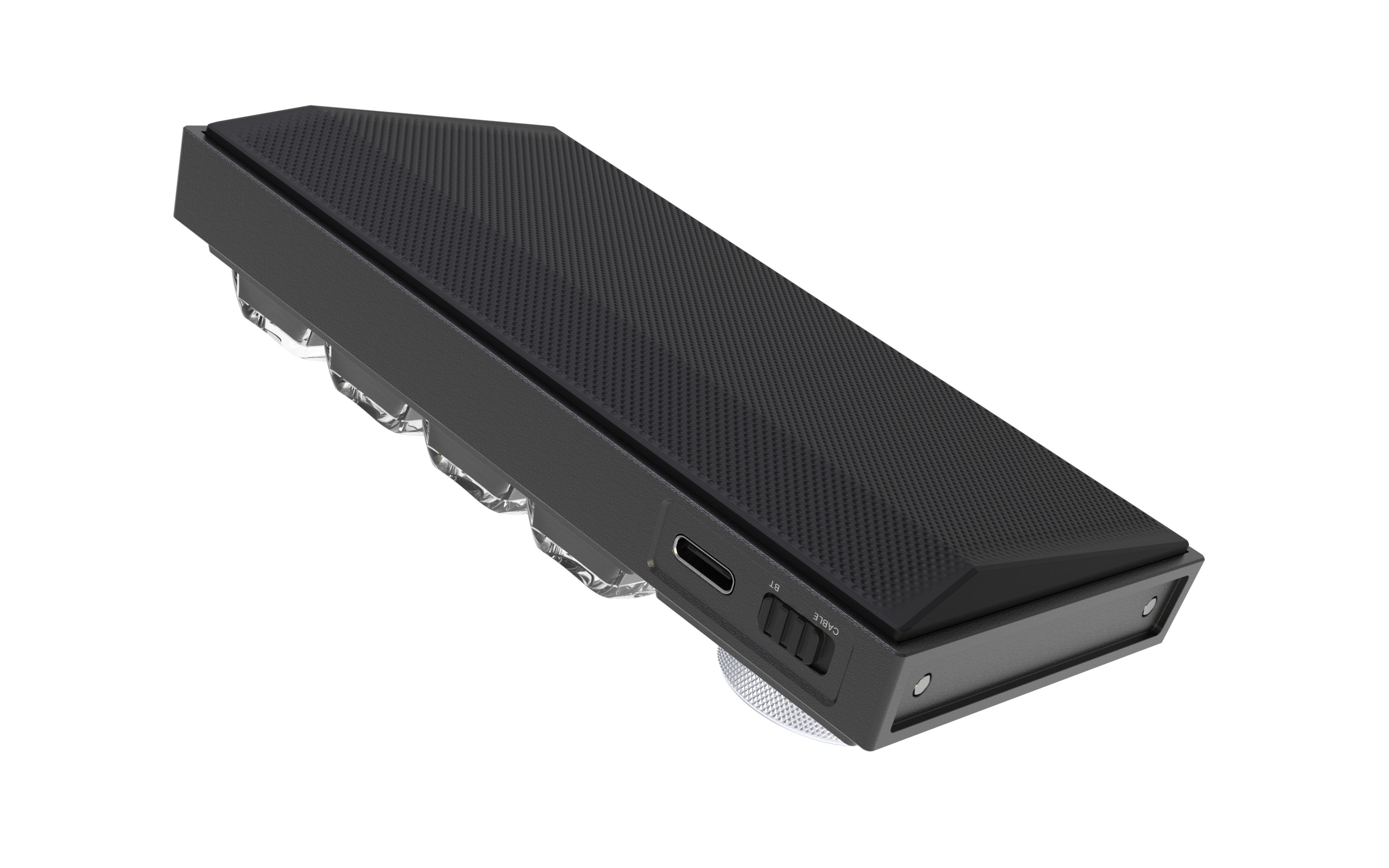 PolyGo / Underside grip
Design concept exploration
Divergent sketching
Sketching was used as a tool to explore the form of the device, and iterate on key aspects of the design.
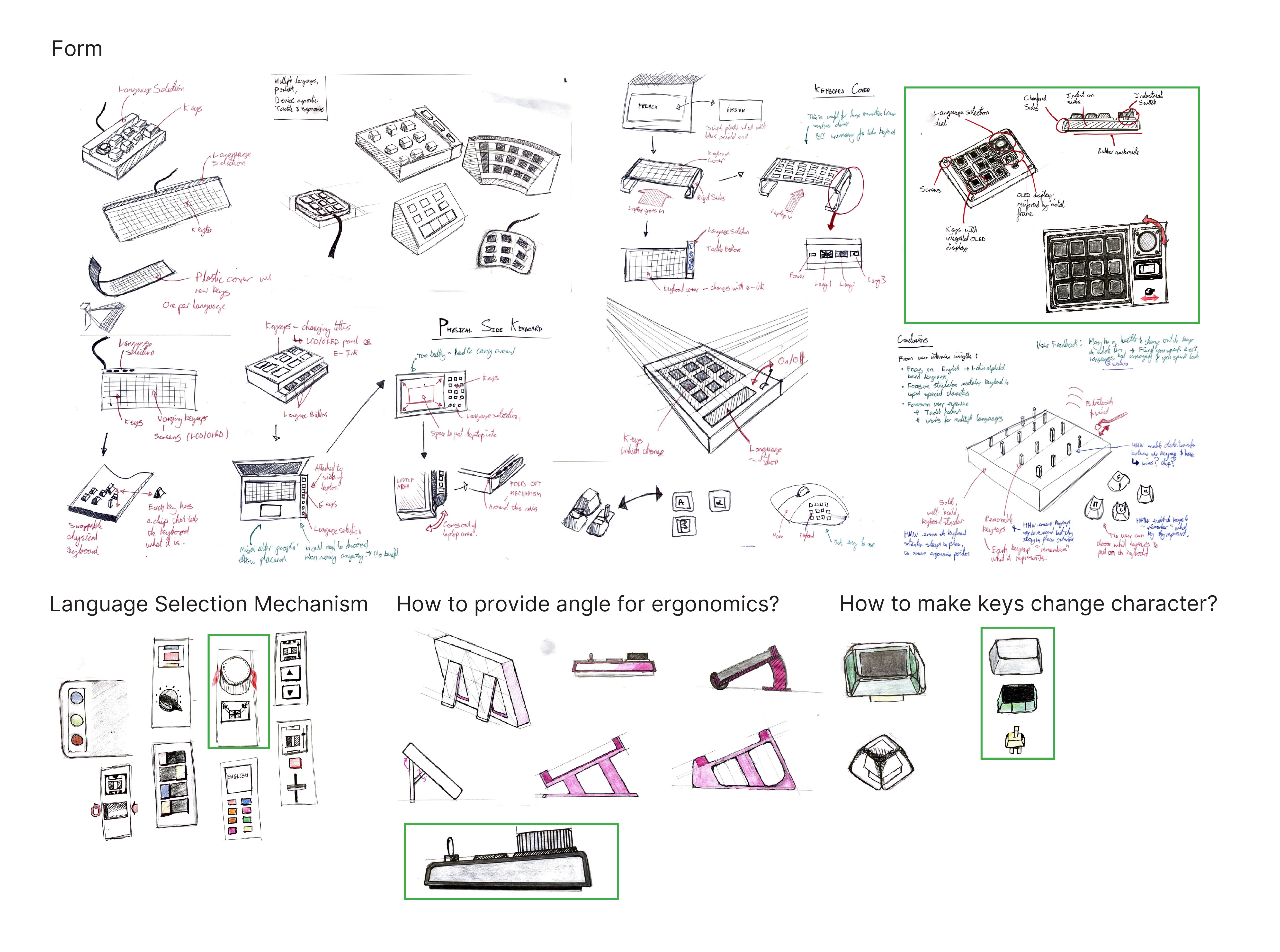 PolyGo / Divergent concept sketching
Low-fidelity prototyping
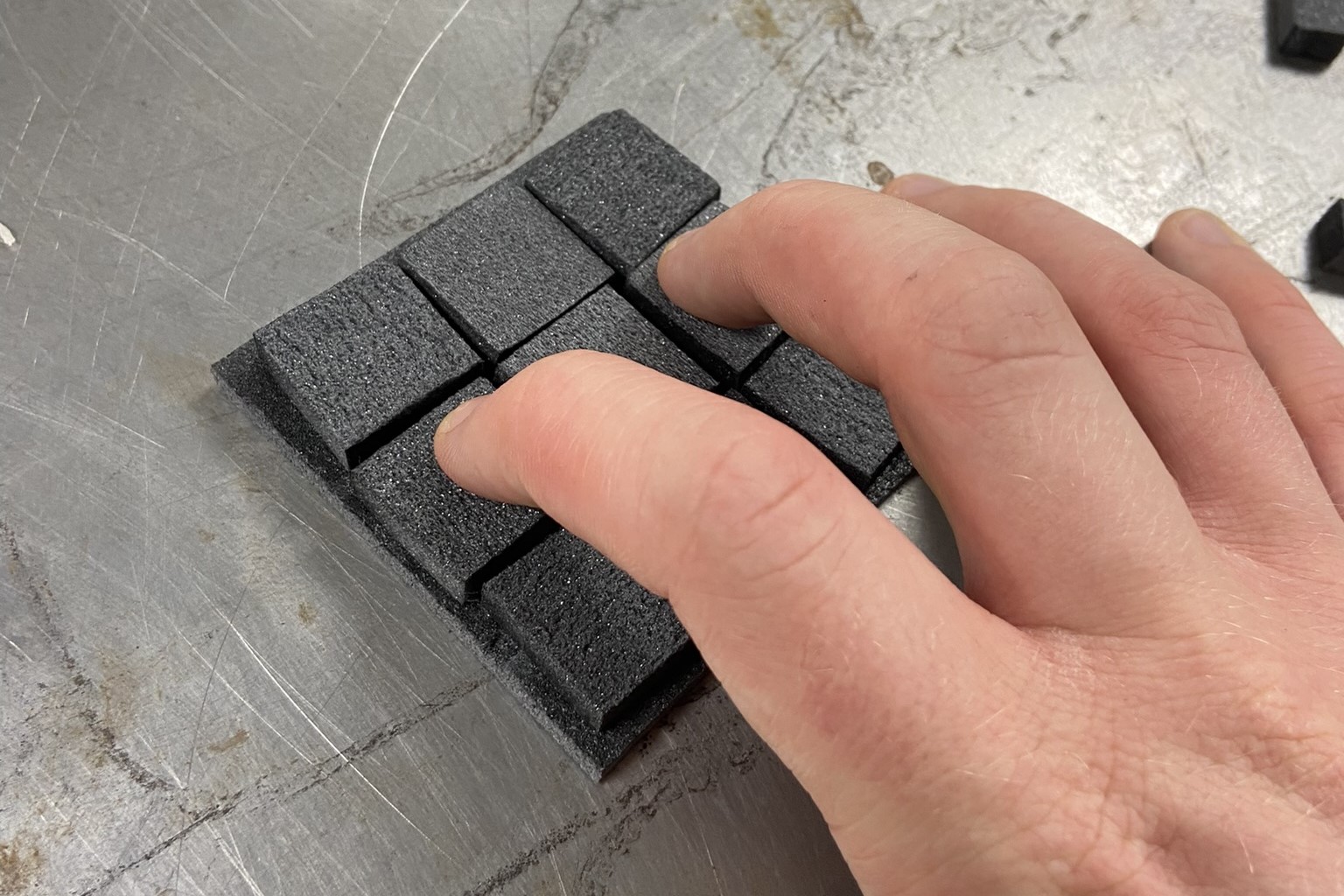
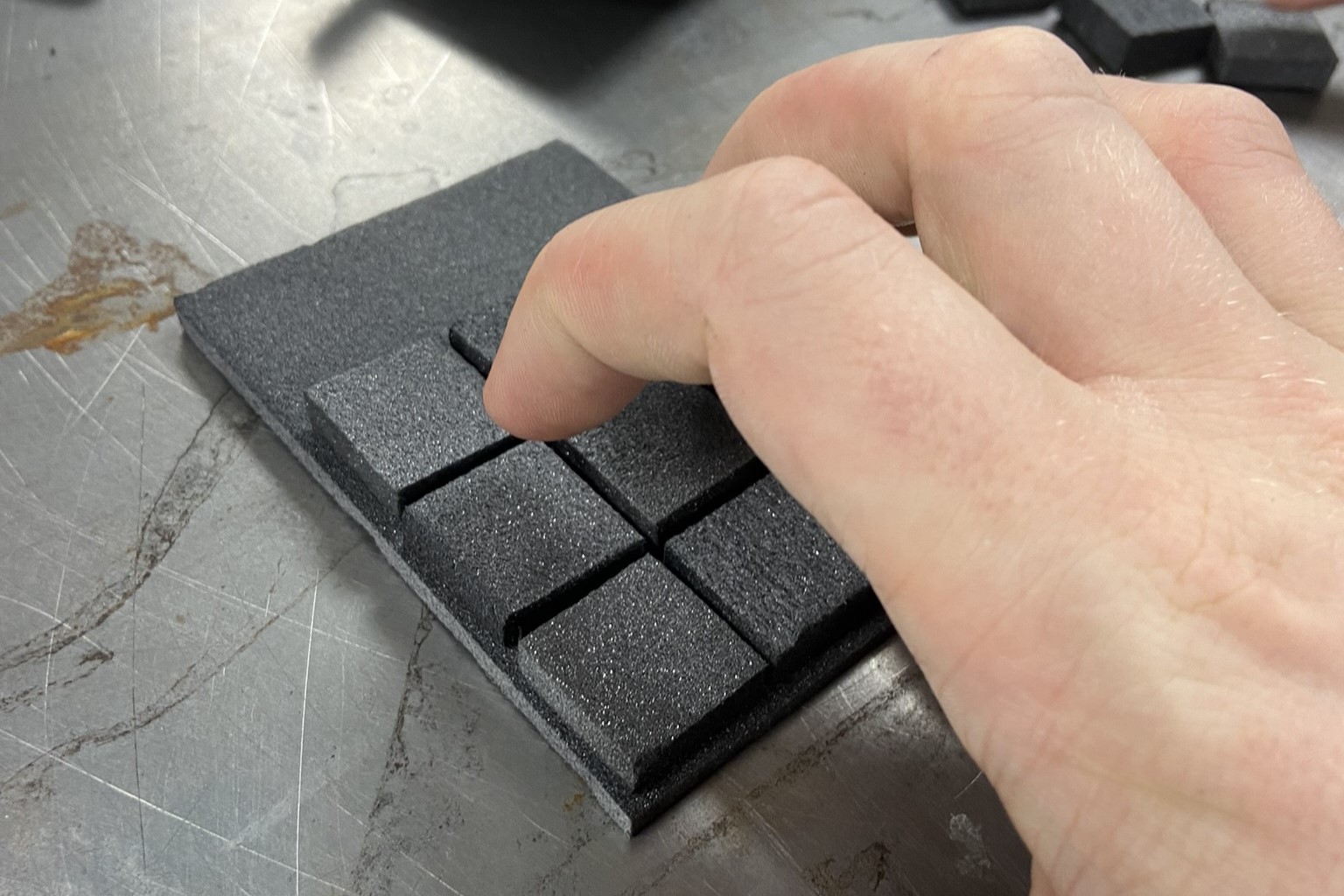
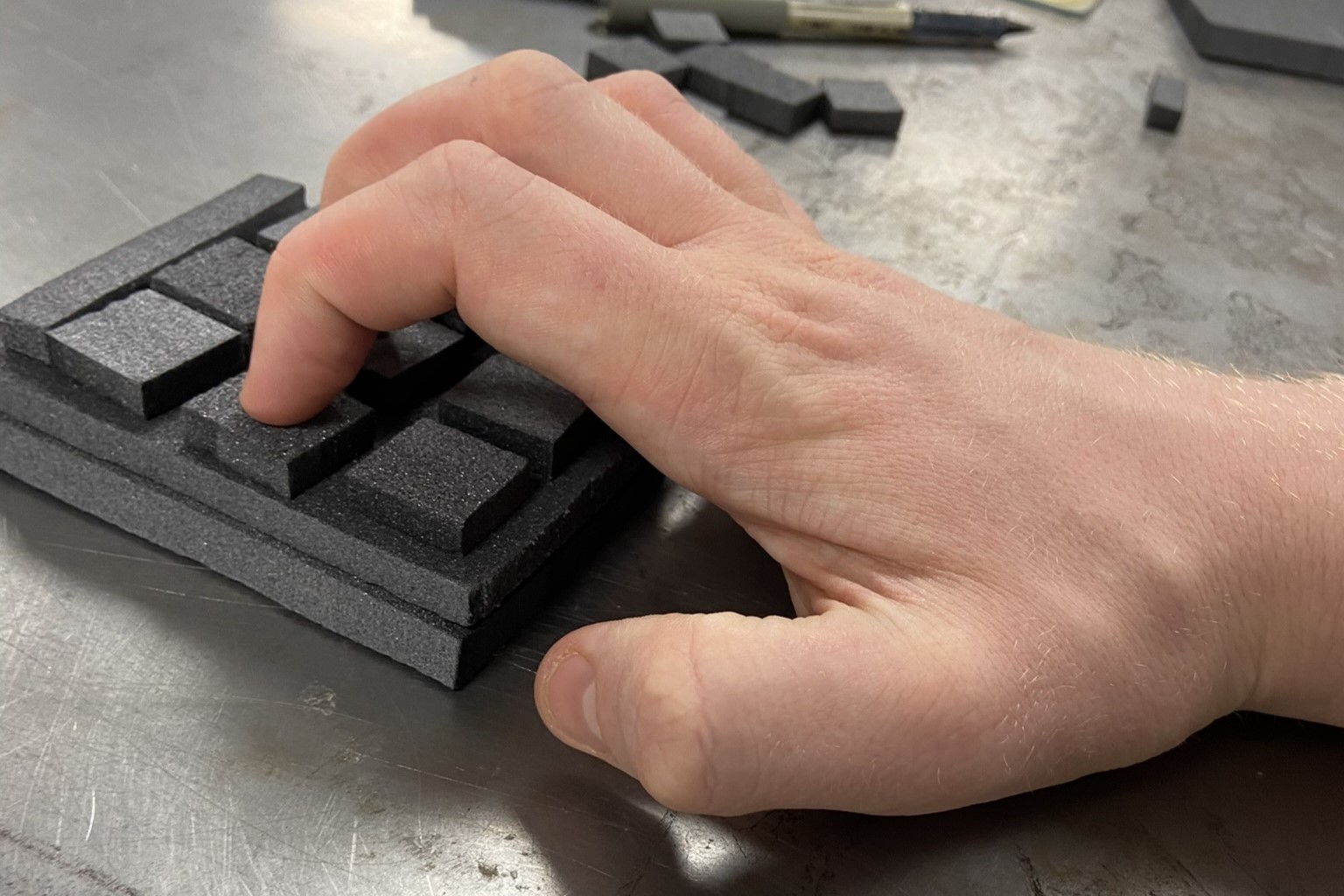
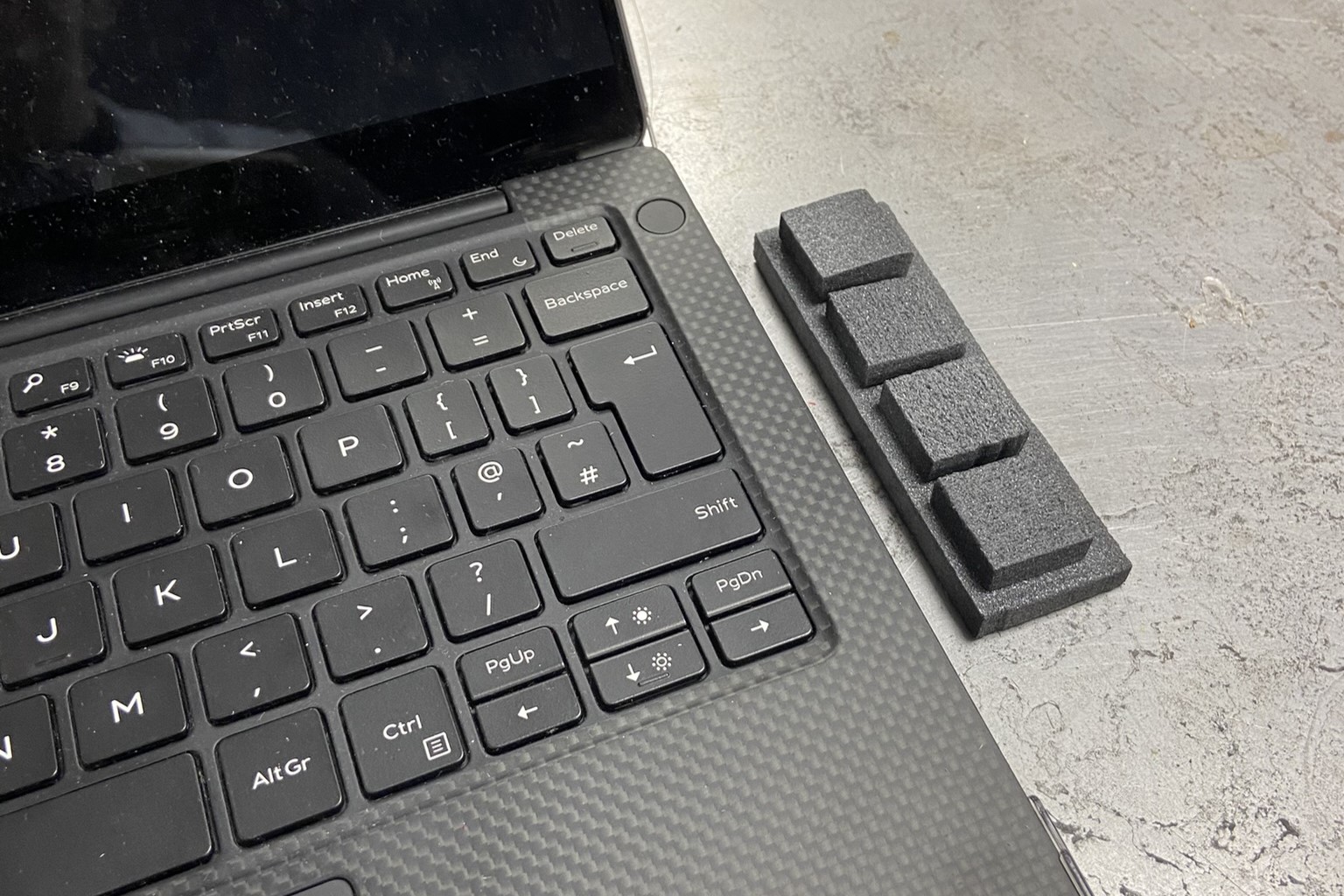
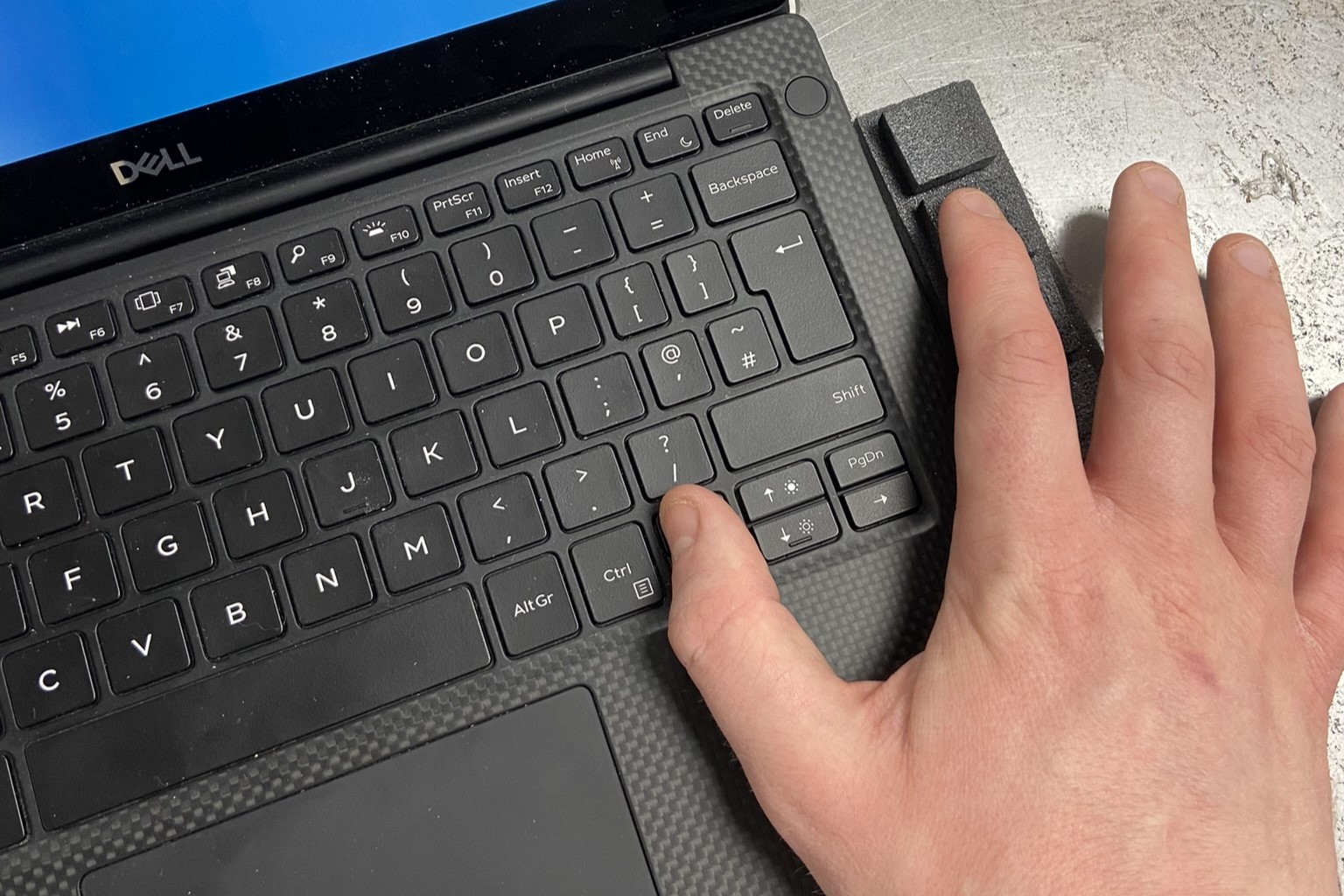
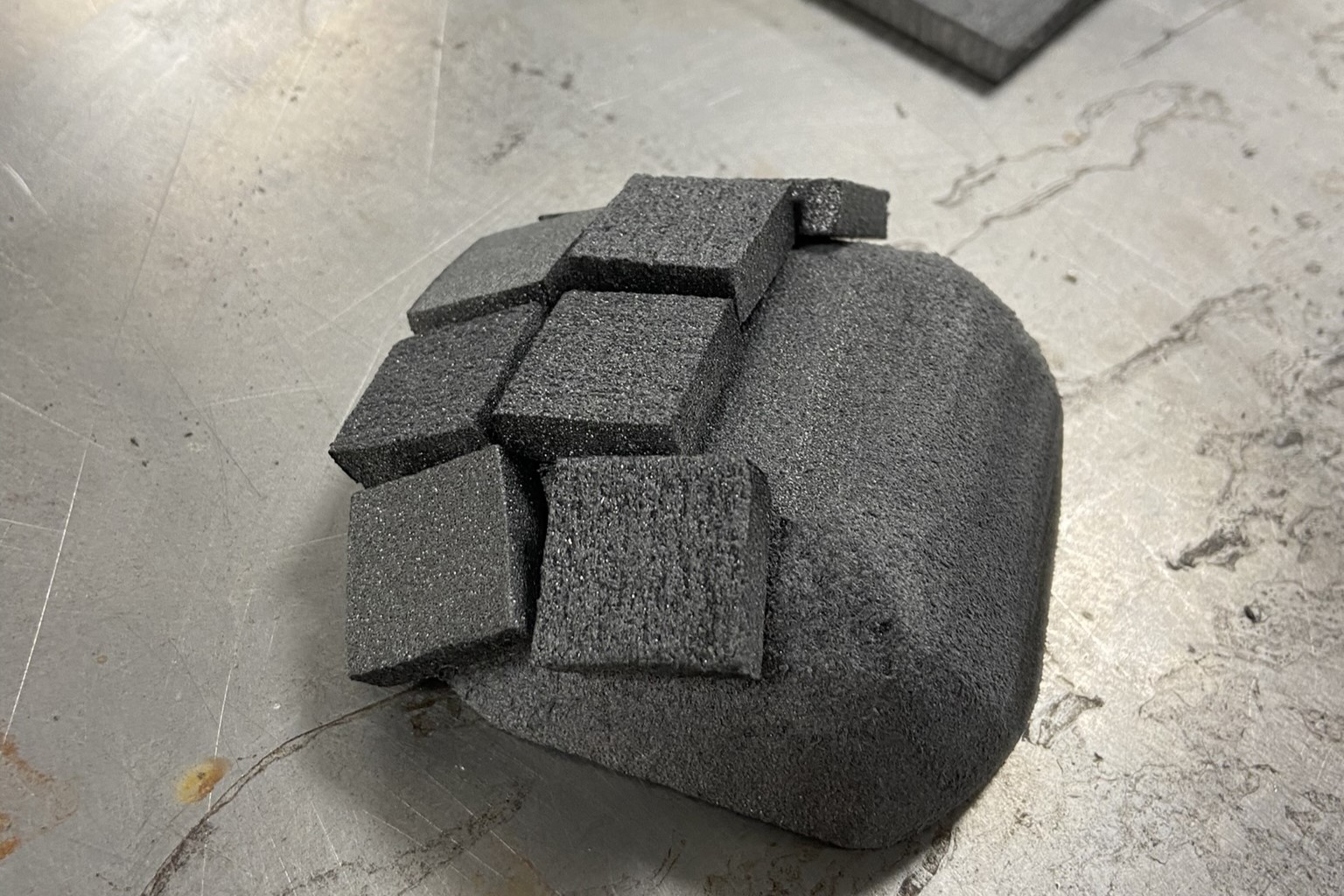
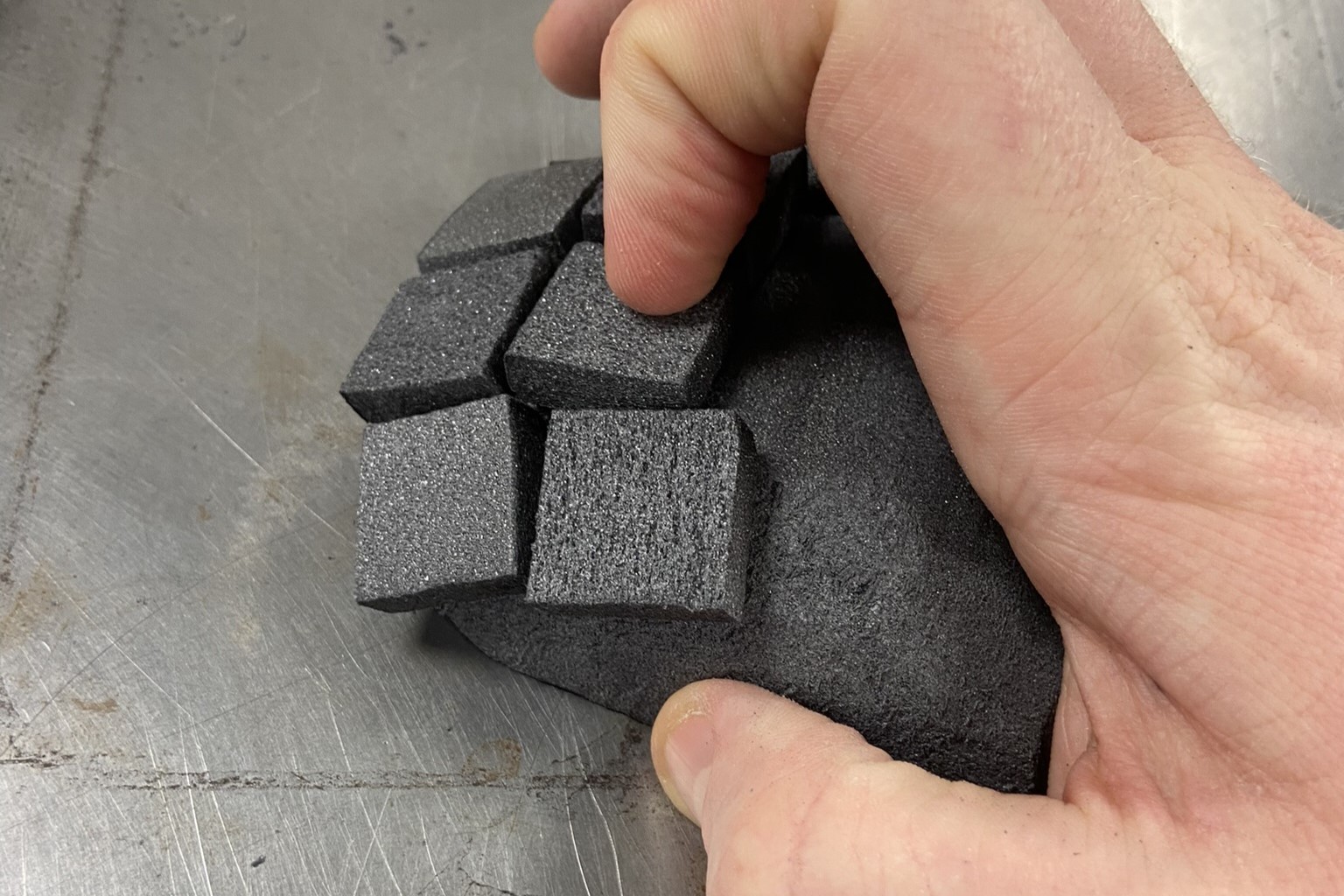
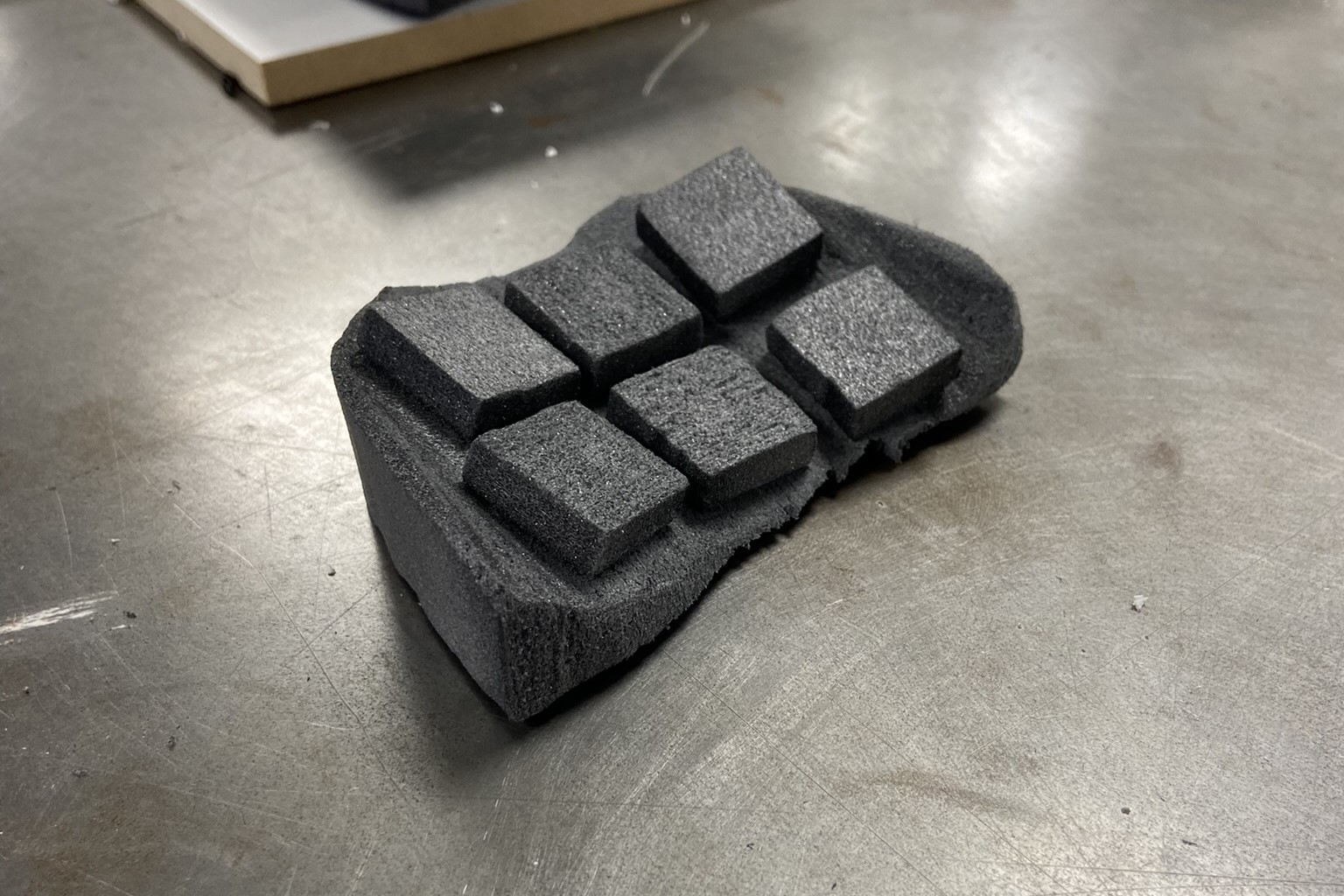
Low-fidelity (lo-fi) prototyping with foam was used to determine the best shape and best profile/angle for the keyboard. Testing with potential users suggested that a rectangular shape was the best compromise between number of keys and ease of use, and that a gentle profile should be added for ergonomics.
CMF exploration
With the colour, material, and finish (CMF) of PolyGo, the priority was to connote durability and thus portability – such that users would not be afraid to take it with them. Thus a rugged industrial design was pursued, involving sharp lines and dark colours.
Users should also feel in control of the product despite its ‘high-tech’ features, and that it is still easy to use. To achieve this, mechanisms were incorporated: levers, switches, and dials. This was to give an analogue and thus relate-able, feeling.
A mood board was used to inform the design, leading to the following CAD design insights:
- Have the surface of the keyboard be a rough dark metal.
- Have chamfers on the edges to create sharp, rugged lines.
- Include physical switches to create an analogue feeling.
- Add knurling on metal knobs to make them look more “analog”.